
Get Demo License
Login to EasyUC Portal.
Navigate to “Installation” and see all your Installations.

To create a new Installation click on “Create”

After create the Installation, upload your license request from EasyUC to request the Demo license.

Upload the License Request.

Now you get the Informations of your cluster. How much Endusers are in the system, how much Endusers have a Controlled Device (Endusers Phones) and how much phones in total are in the cluster.
After this, click on Next to decide if you want to request an offer or if you want to create a demo license.

Select “Demo License”
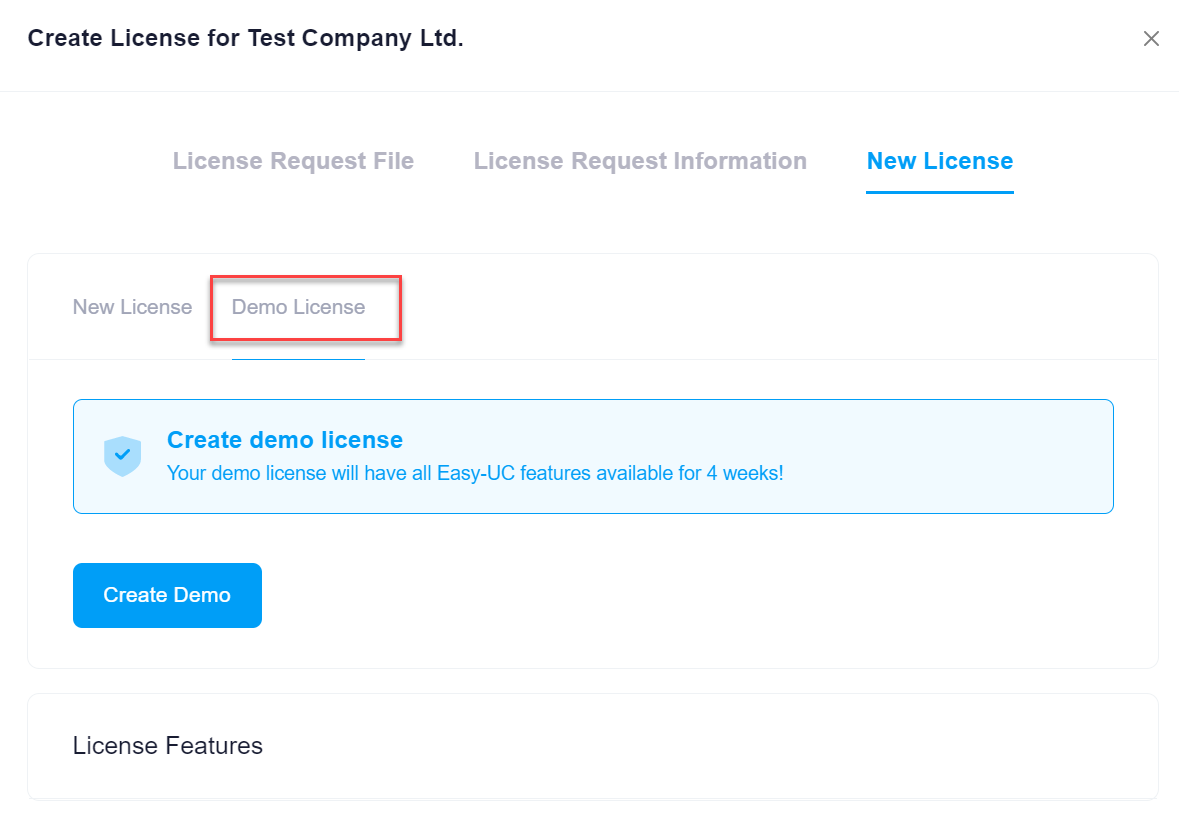
Now click on create Demo.

