
Pickup Groups
On the User Page you can also see the pickup section. You see here in which pickup group the user is in. Also you can change the pickup group association of the user if you click on “Add Pickup”.
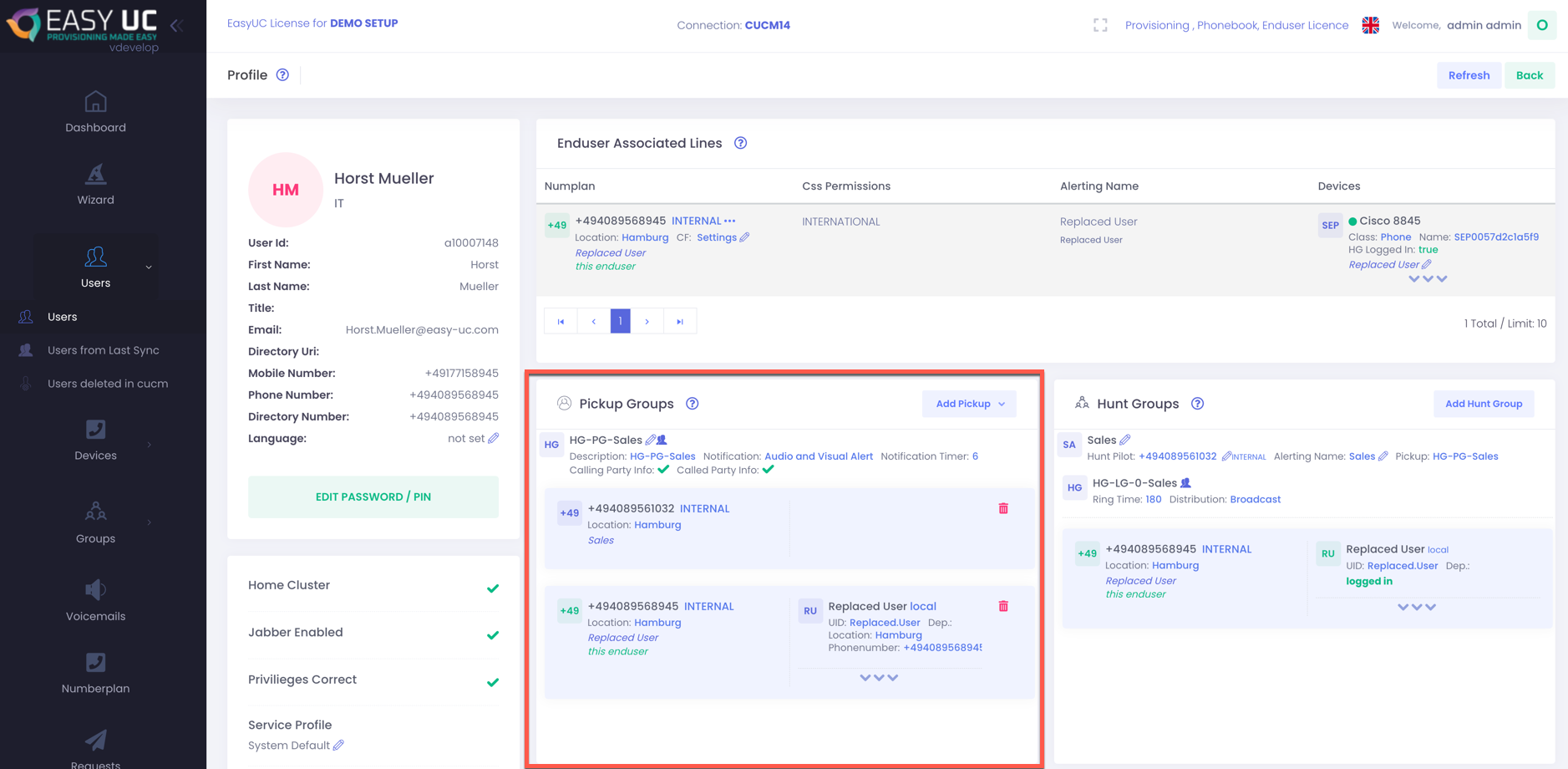
Add Pickup
If you want to add your user to a new pickup group, then you need to click on “Add Pickup”. After click on it, you need to select the phone number for which you want to do this.
After you did you will see this window. You will the the current group and you can select and search for a new group.

If you select the new group it will look like this. You will see all members of the selected group. Do apply this click on save.

Remove from Pickup
If you want to remove a line from a pickup group, then just click on the red wastebin. You can remove the user which you have opened (which is marked as “this enduser”) or you can remove other members also.


