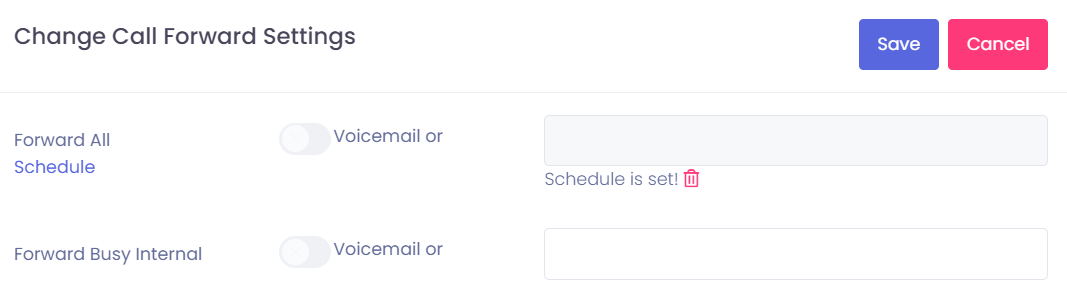
Change CallForward Settings
If you want to view or change the Callforward Settings from a user or phone, just open the user or phone in EasyUC. You will see the telephone number and als the CallForward Button.
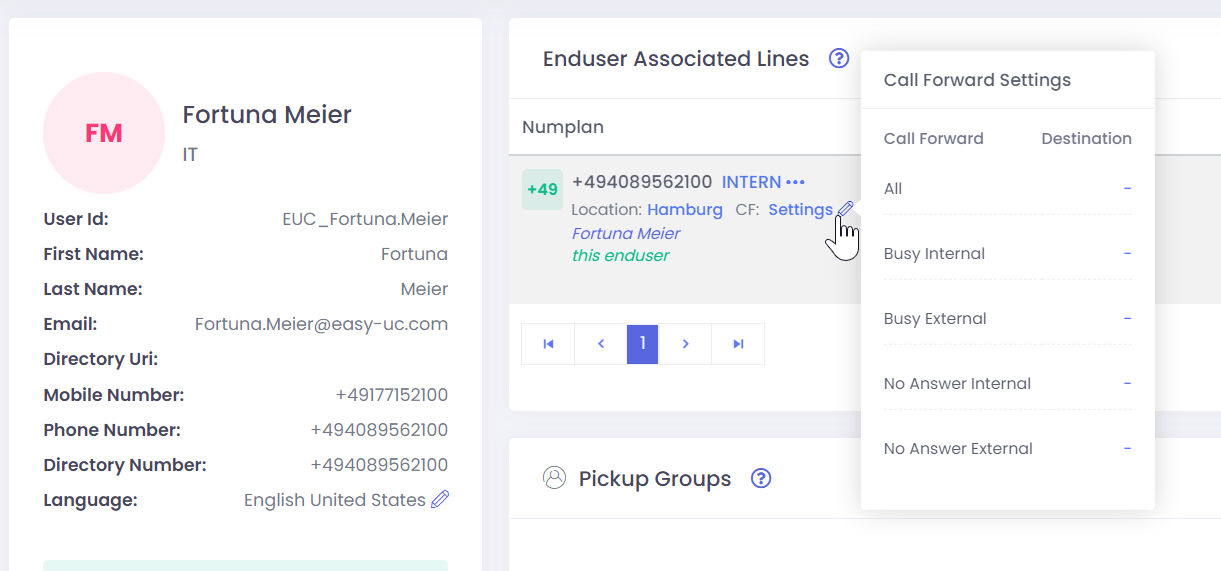
Just click on the pen to open the CallForward Settings.
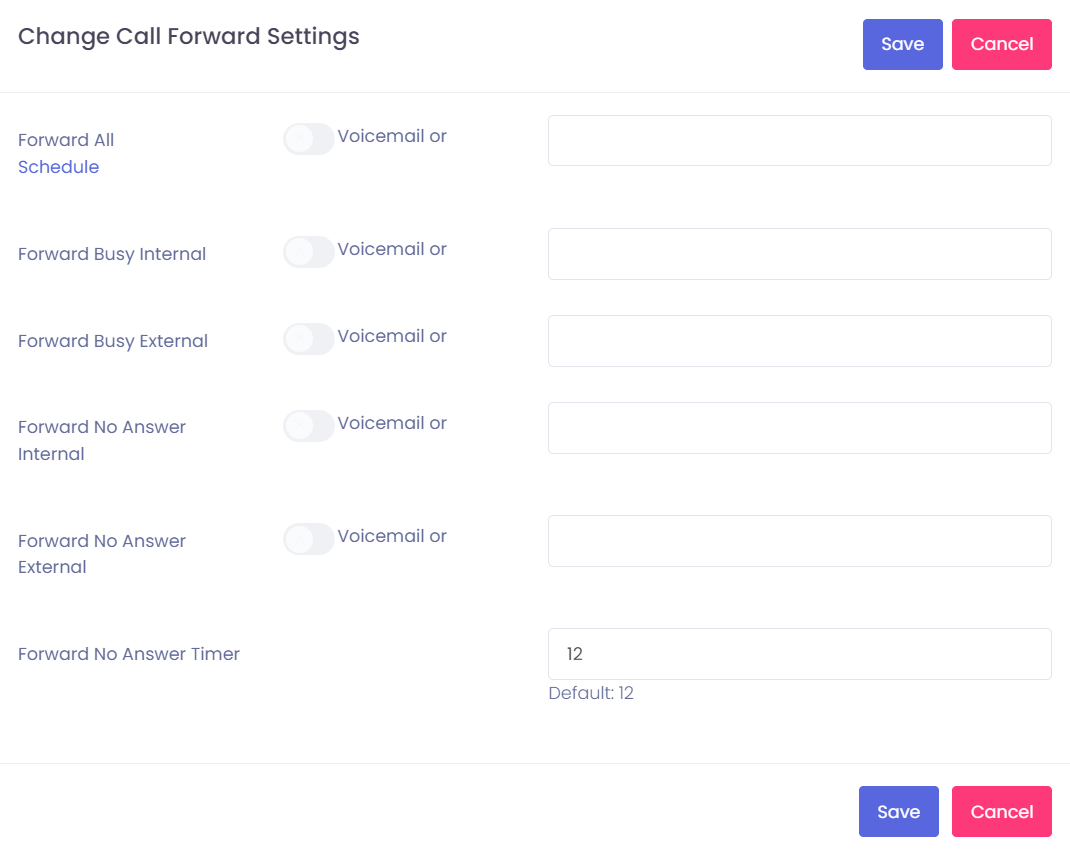
If you want to change anything, type in the number or delete something and click on “Save”
How to use the Scheduler
The Scheduler is used if a user want to forward his phone automatically to a specific time. So if UserA want to forward his phone on monday from 11am to 1 pm to User B, he can set this up.
When you click on “Schedule” you can choose which day(s) you want to use for forwarding.
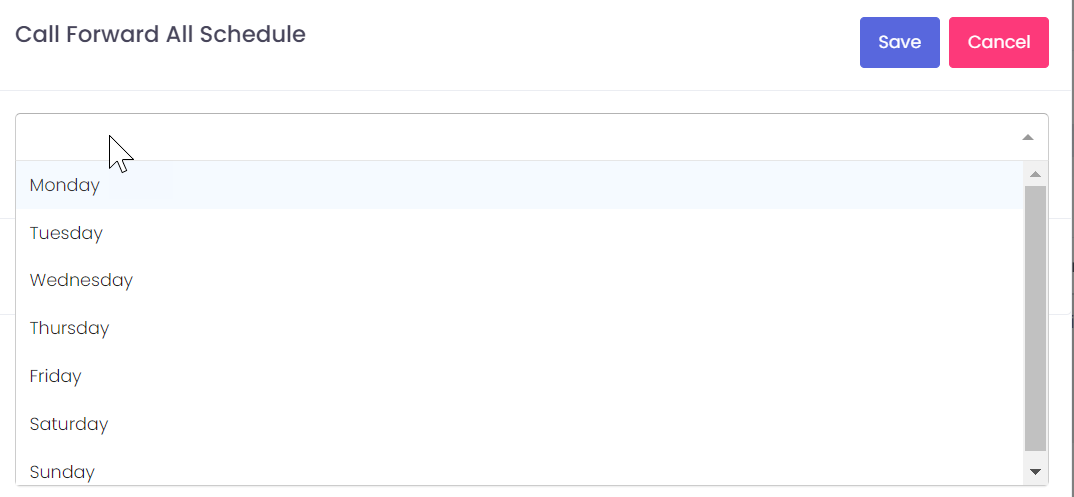
Configure now which days and which time and which destination should be used.
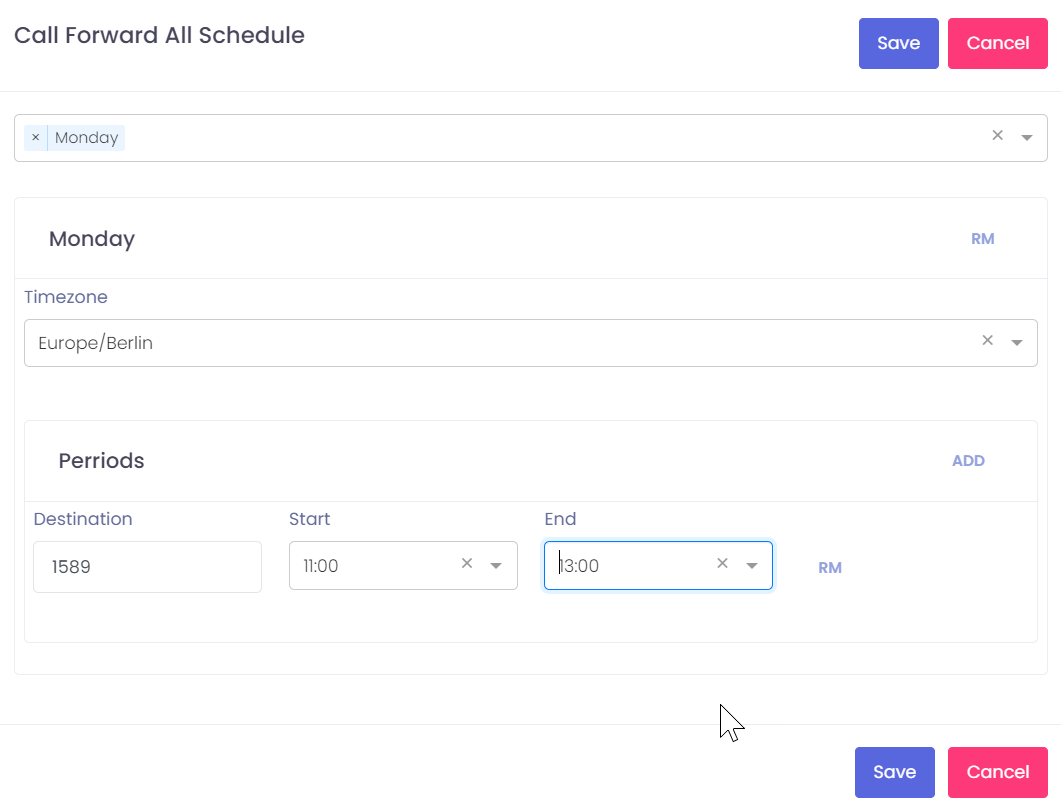
After save this configuration you see in callforward settings a lock symbol which shows you that a schedule is set.