
IP Configuration via CLI
Login via VMware Console to the CLI.
Default user credentials are:
user: easyuc
pass: cisco
After successfully logging in, this prompt shows. Press Enter to Continue.
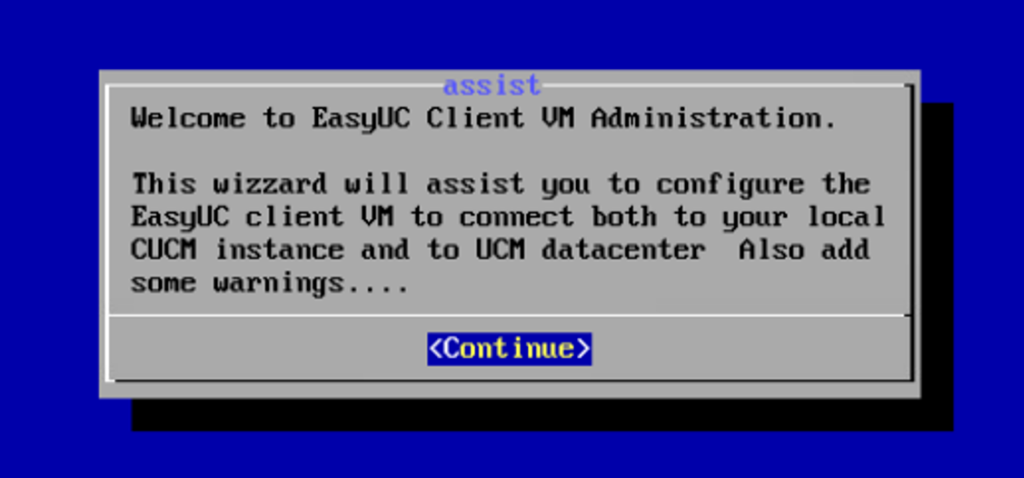
The navigation in the following setting menus works as follows:
Use the navigation arrows to navigate the lists. Press Tab to switch between the menu list and the selection menu.
Select Administration. Press Enter to Continue.
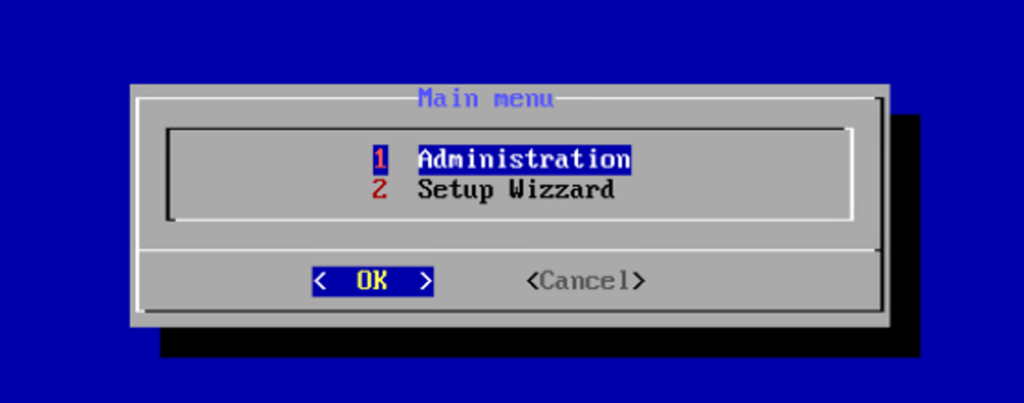
Select Configure interfaces.

Select eth0.

Select IP Configuration.
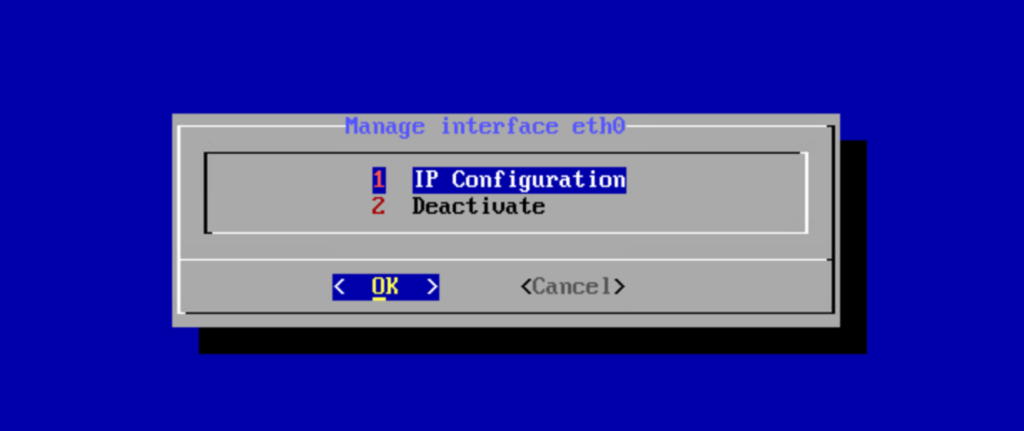
Select which option you want to use: DHCP or Manual.

The manual configuration window looks like this.
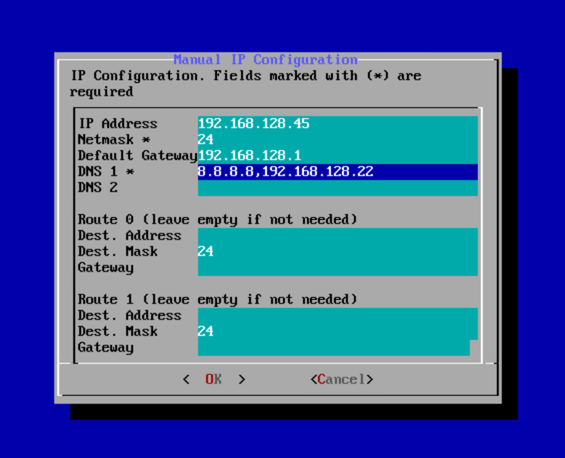
Press Tab to switch to OK, press Enter to save your settings.
Video guide available below:

