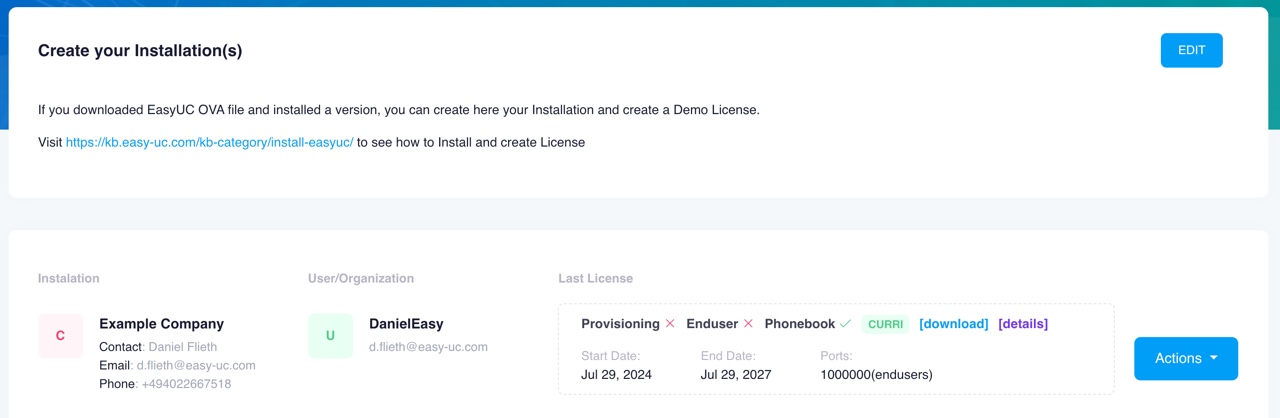
First step: create your account here. After account creation, you need to set up your own installation. By default, there is no installation after account creation and your page will look like this:

Click on Create to create a new installation.

Request your license. Click Actions > Create License.

You will be asked to upload the license request file. The steps needed to create the license request can be found here.

Select the file.

You will now see a summary of the license request.
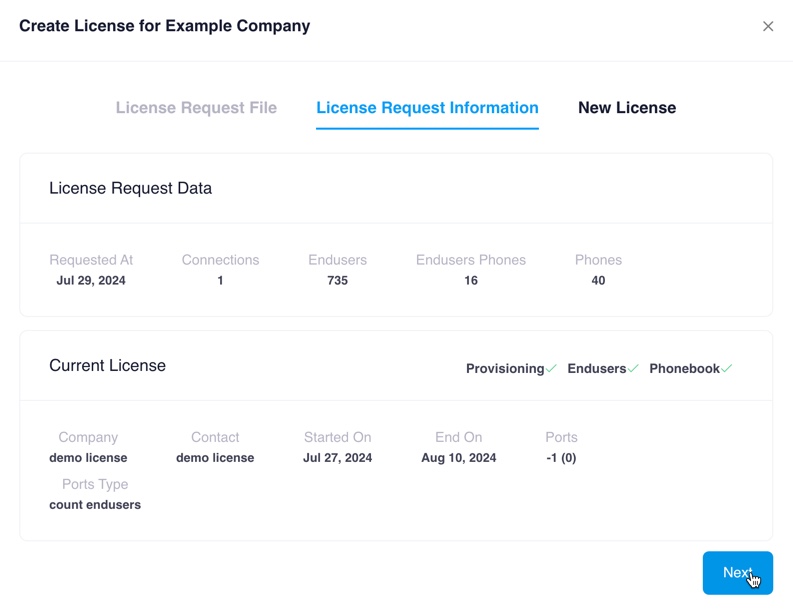
Click next and then navigate to CURRI License, Accept our Terms of Service and then create license.
Please note: The CURRI license is completely free with no hidden cost. There will be no additional costs, either now or in future.
Also note that while the license itself is free, our support is not. Should you require support on installations or configuration help, please get in contact with us.

After the license is generated, you can download it.