
Configure CURRI for global incoming calls
For the CURRI feature to work, you will need to set up an External Call Control Profile (ECCP) on your CUCM that connects to your incoming translation patterns.
First, in Easy UC, navigate to Administration > CUCM Connection and hover over the question mark in the CURRI column.

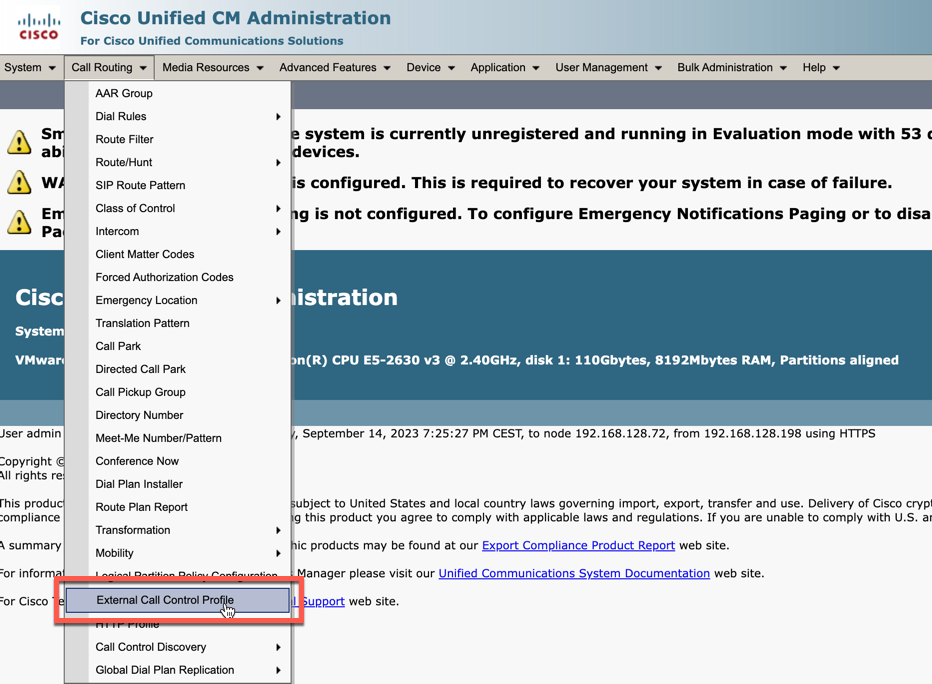
On your CUCM, navigate to Call Routing > External Call Control Profile.
Click Add New, give the ECCP a name and paste the URL from the previous step as the primary web service.

This guide shows you how to roll out the feature to your end users.

