
If you want to block external numbers from reaching your cluster, then you can block calls also based in the caller number (ANI).
In EasyUC we call this Blacklist. Just navigate to CURRI -> Blacklist.
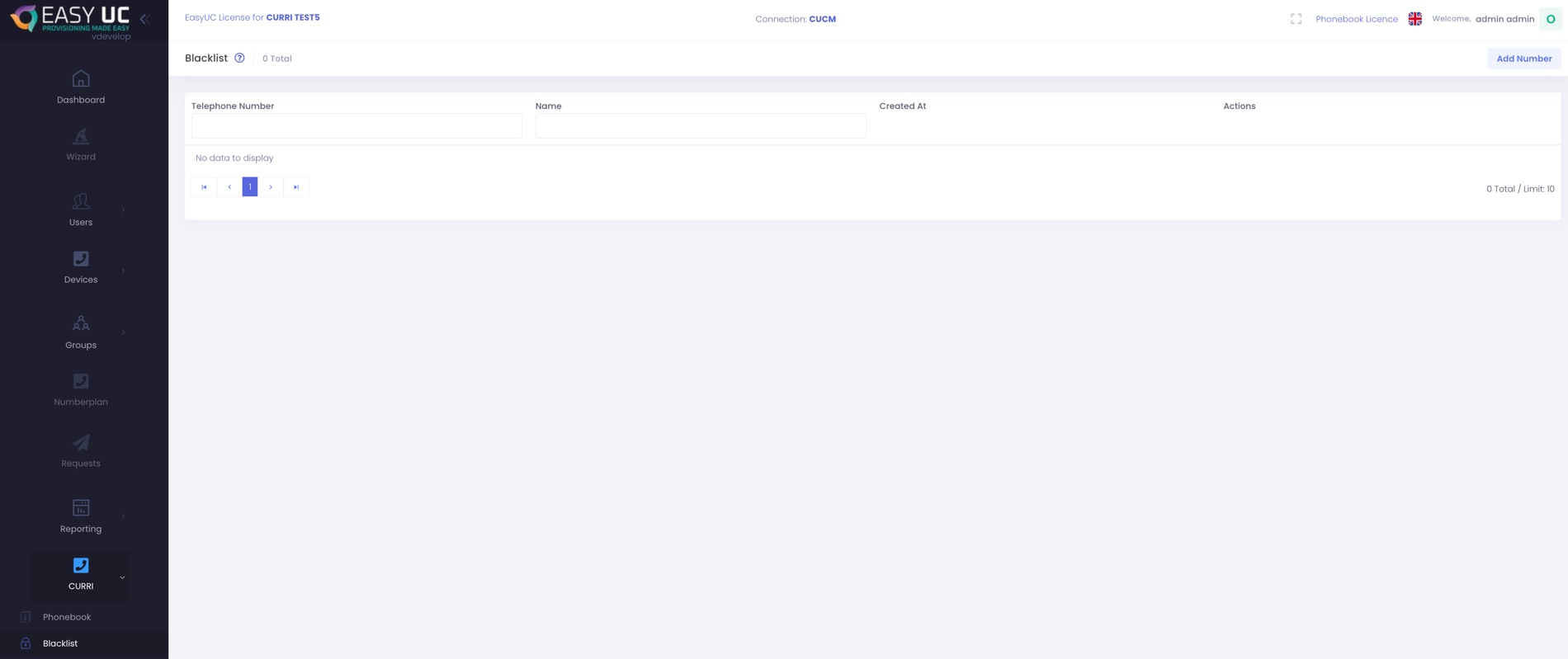
To add a number, click on Add Number
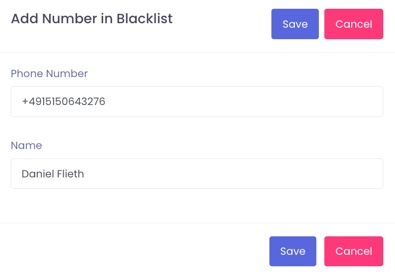
After click on Save it will look like this.
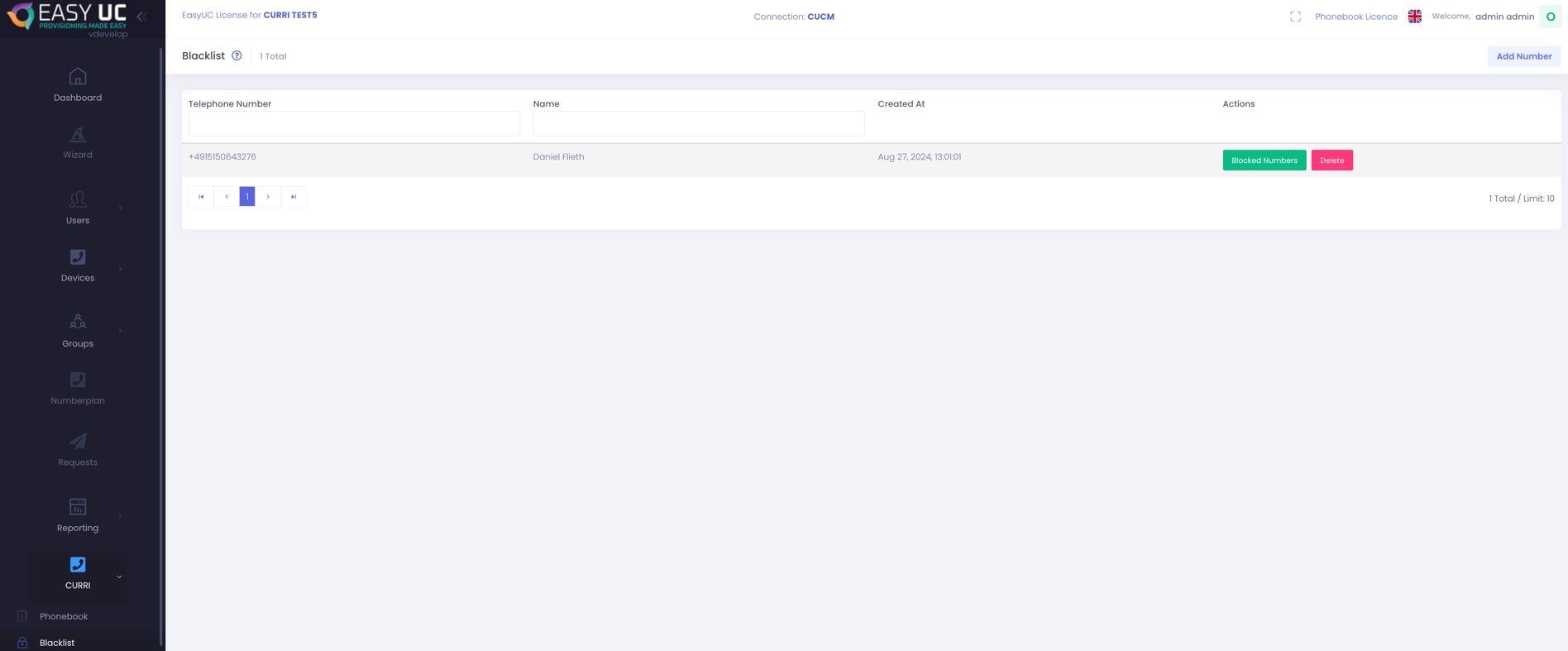
If you later on want to see how much calls was made to this number, click on Blocked Numbers and then you get an history of all calls made from this number. (We list it 4 times because CUCM is sending it 4 times to us)

