
Add User/Phone to Hunt Group
Add to Hunt Group from User Site
Navigate to “Users” -> “Users” and then search for the user which you want to add to a Hunt Group.
Click on “Add Hunt Group”

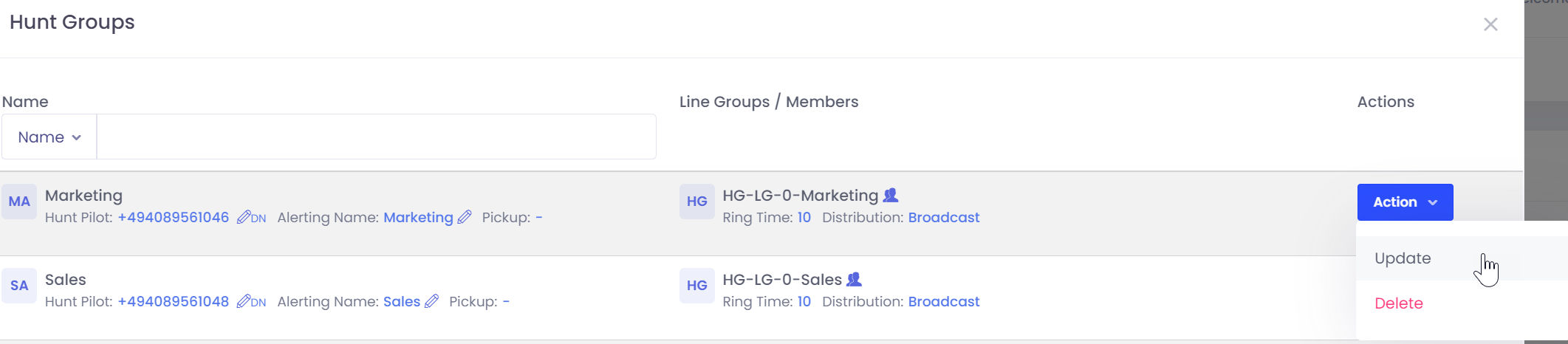
Now you get a list of all Hunt Groups. If you have a lot of hunt groups just search for it by group name, member name or member number.

On the Hunt Group which you want to use click on “Action” -> “Update”
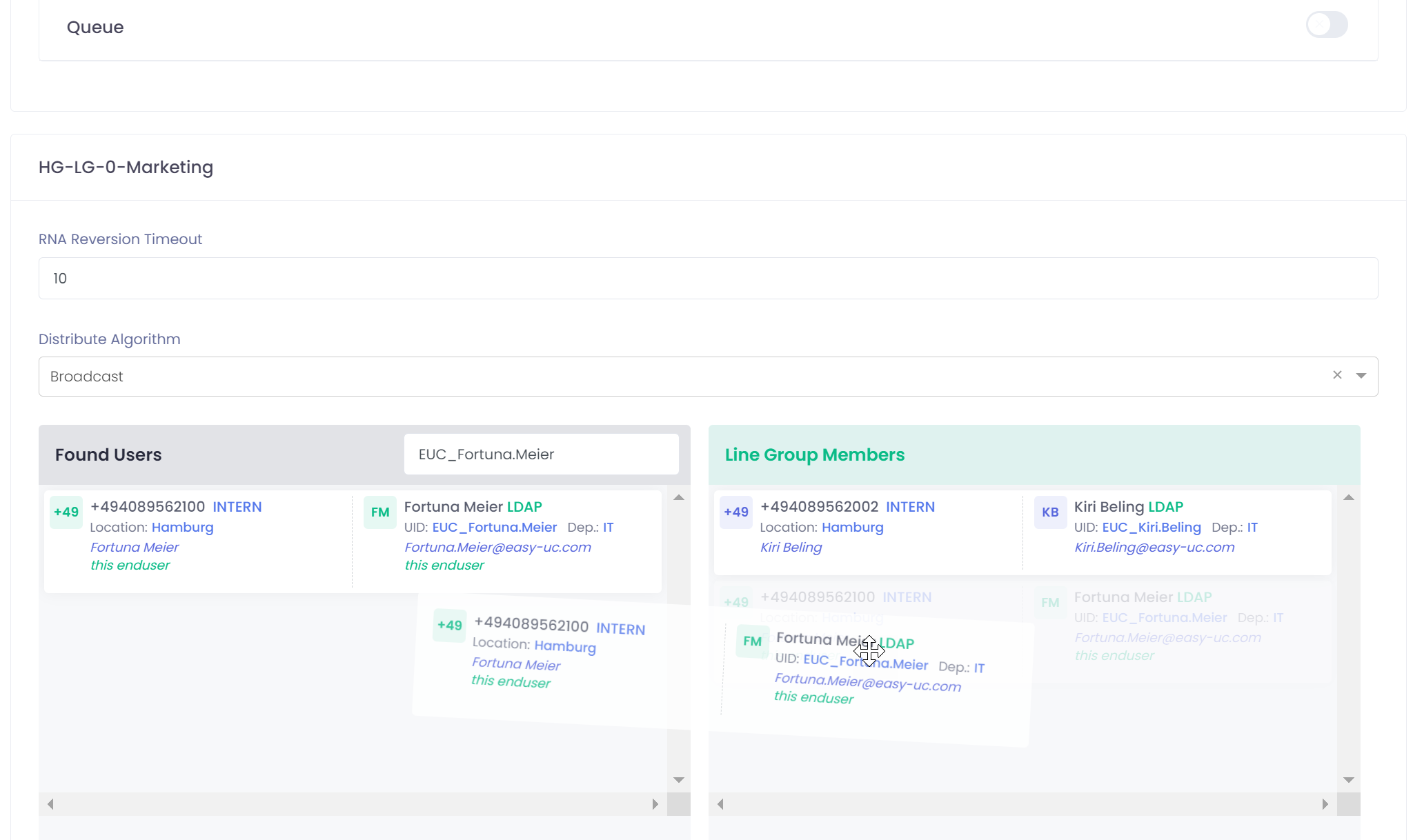
Now you get a list of all Hunt group settings. Scroll down to see the user list and drag and drop the username from left to right.
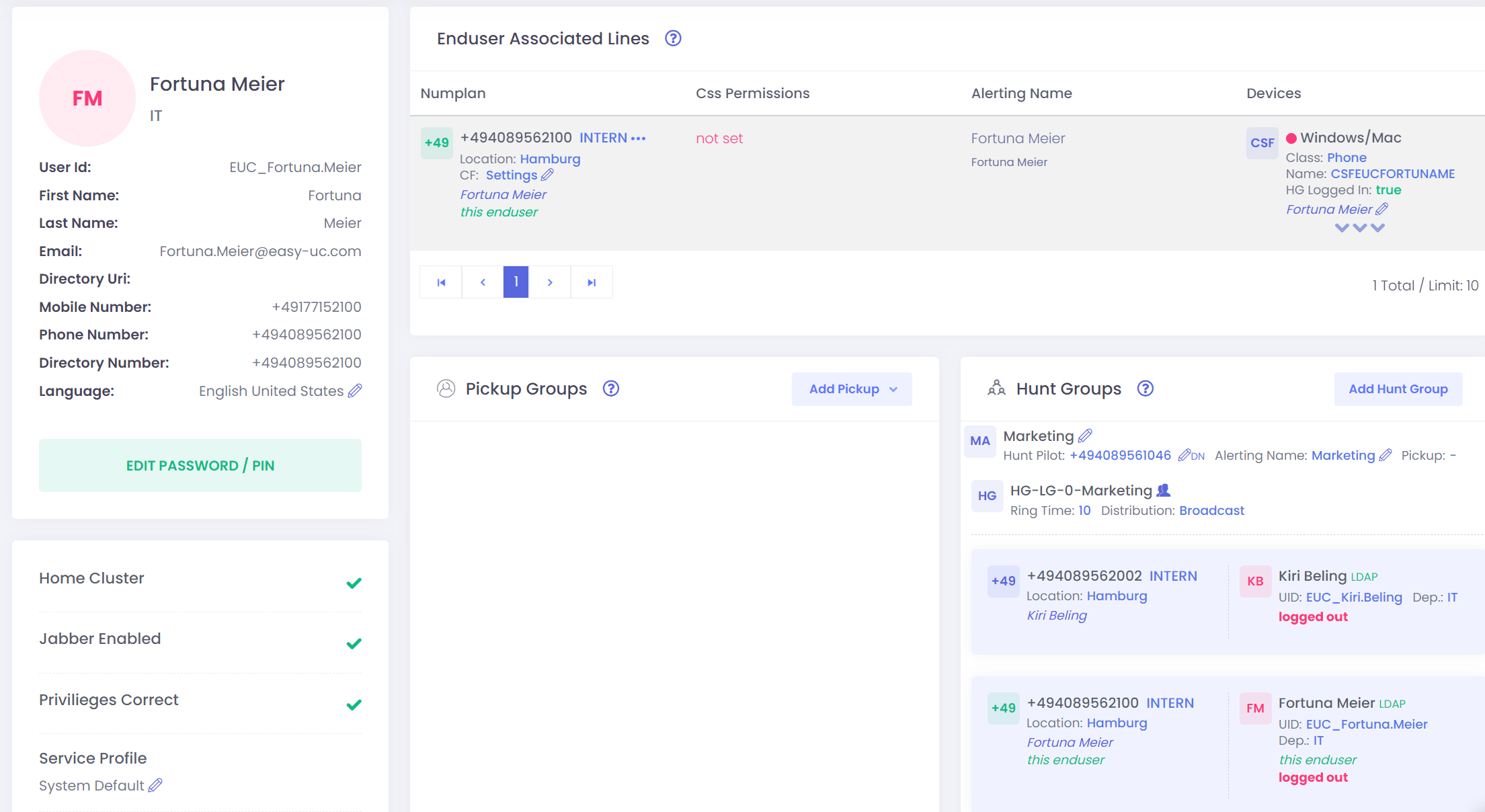
Click on save to add the user to the hunt group.
Add to Hunt Group from Hunt Group Site
If you want to add a group of users to a hunt group, then it will be much easier and faster if you do it from the hunt group directly.
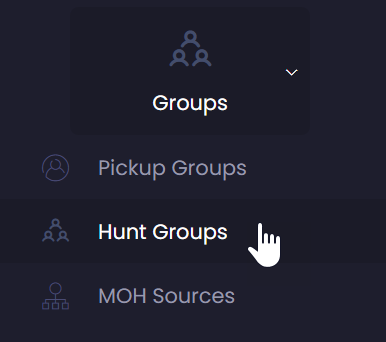
Navigate in the menu bar to „Group“ -> „Hunt Groups“
Now you get a list of all hunt groups in the system.

On the right site of the group you see a button „Action“. Click on it and select the option „Update“. Then you will get all informations of the Hunt group. When you scroll down you get a list where you can search for the users which you want to add to the group.


