
Add User/Phone to Pickup Group
In EasyUC there are several ways to add a user to a pickup group. You can do it from the Pickup Group or you can do it from the user.
Add from User Site
Navigate to the user and scroll down to the Pickup Group area. To add the user to the pickup group go to “Add Pickup”.

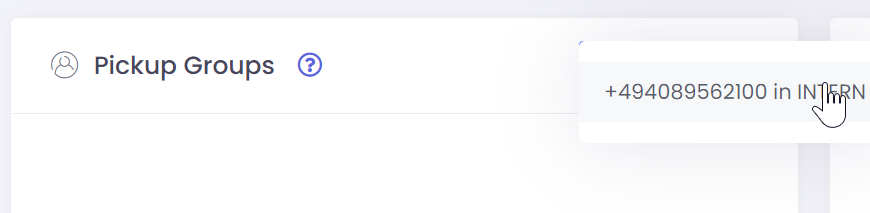
After click of “Add Pickup” you see a list of phone numbers. For the most users there will only be one phone number. But if the user has more than one phone number you get a list of all these number. Then you need to select the number which you want to add the the pickup group.
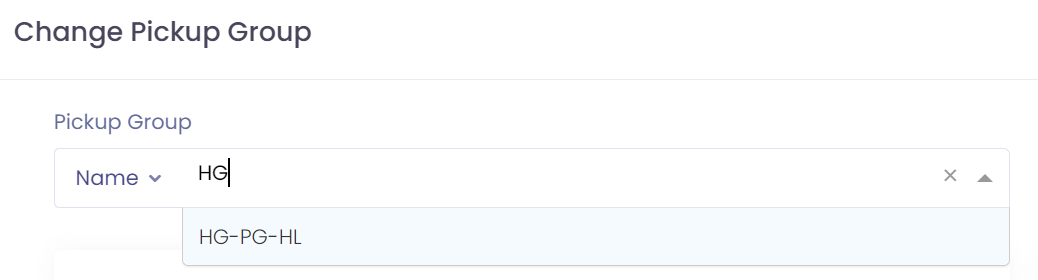
As next you need to search the pickup group in which you want to add the user. You can search the pickup group by name, by member name or by member phonenumber.

Select the Pickup group which you found.
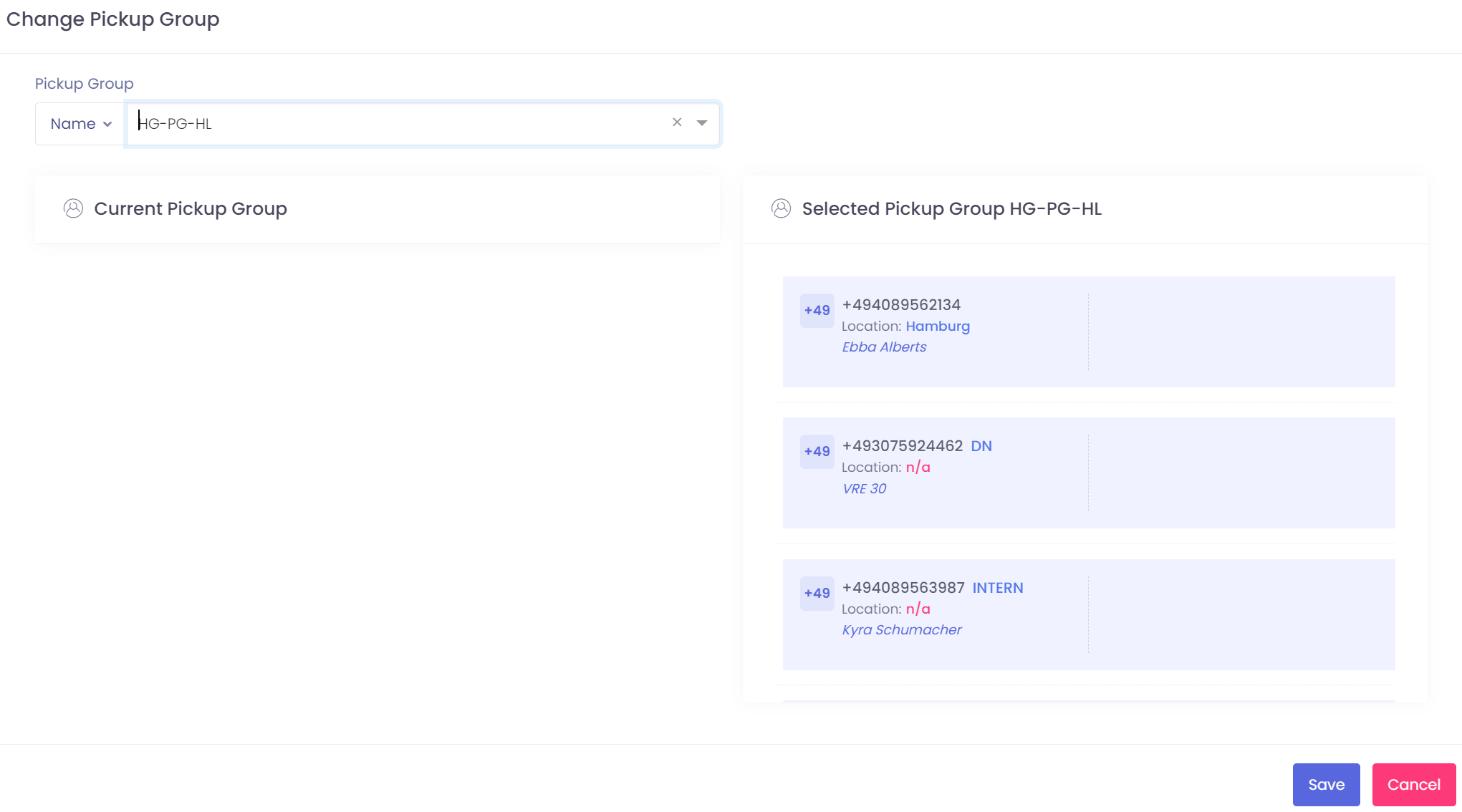
After selecting the pickup group, easyuc is showing all members of this group. If you want to add the user to this group press save.
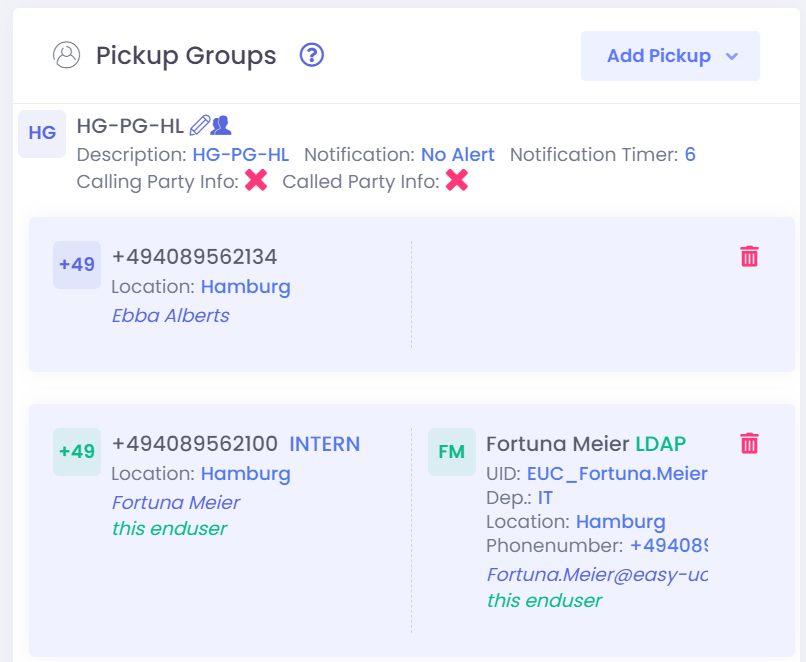
After pressing on save you will see the pickup group on the user site.
Add from Phone Site
If you want to add a phone where dont have a user for you can of course also add phones to pickup groups. Just click on “Devices” -> “Phones” and select “Add Pickup”.

After click of “Add Pickup” you see a list of phone numbers. For the most users there will only be one phone number. But if the user has more than one phone number you get a list of all these number. Then you need to select the number which you want to add the the pickup group.
As next you need to search the pickup group in which you want to add the user. You can search the pickup group by name, by member name or by member phonenumber.
Select the Pickup group which you found.
After selecting the pickup group, easyuc is showing all members of this group. If you want to add the user to this group press save.
After pressing on save you will see the pickup group on the user site.
Add from Pickup Group
If you want to add a group of users to a pkckup group, then it will be much easier and faster if you do it from the pickup group directly.
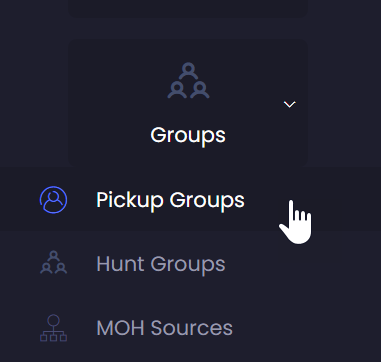
Navigate in the menu bar to “Group” -> “Pickup Groups”
Now you get a list of all pickup groups in the system.
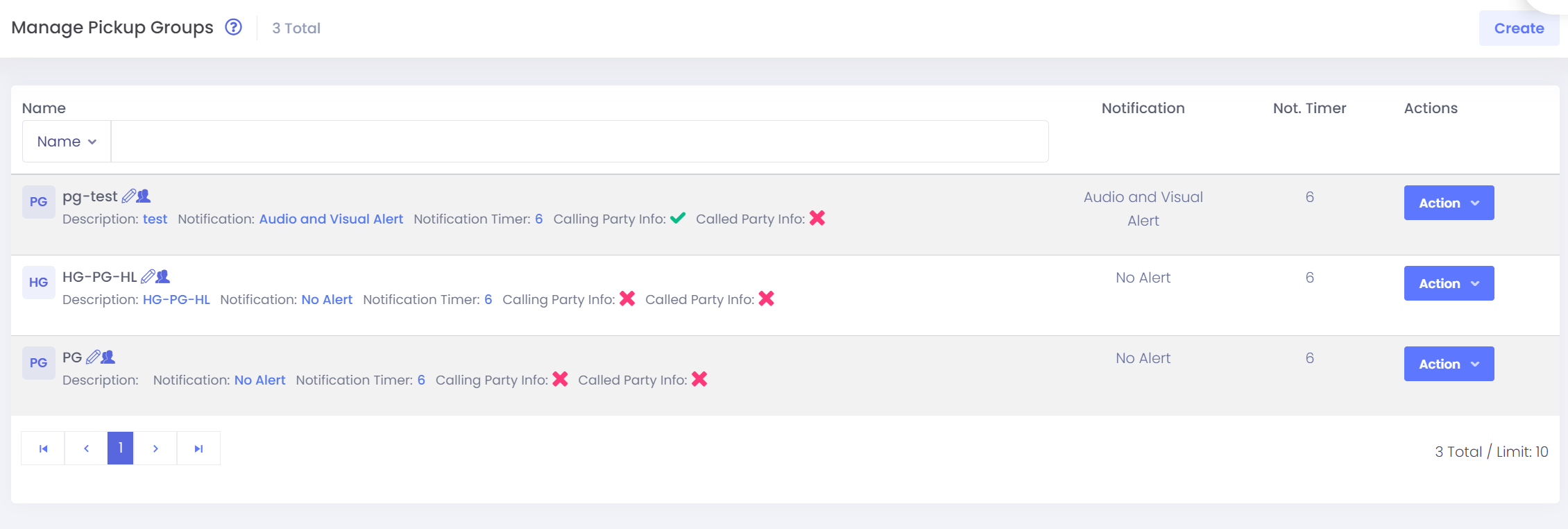
Search the group which you want to use.

On the right site of the group you see a button “Action”. Click on it and select the option “Manage Members”

Search for the members which you want to add and just press “Add to <PG Name>”

