
Create User
At first you need to understand what type of users could be part for the cisco uc system.
There are local users and there are users which are imported by an external source, normally its LDAP.
Users which are imported via LDAP can only be created by cucm when importing them. Local users can be created in cucm via EasyUC
So if you want to create a softphone for a user but this user is not imported via LDAP, then you could create a local user in cucm until the user is imported via LDAP.
Important: If you create a user as local user and want him to convert automatically to an LDAP user (as soon as he will be imported) the UserID need to be the same like in LDAP
If you want that a local user will be converted to ldap user when imported then name it correct.
How to Create a User
Navigate to “Users”->”Users” and click on “Create” to create a new local user.

After clicking on “Create” you need to give informations for which location you would like to add the user.
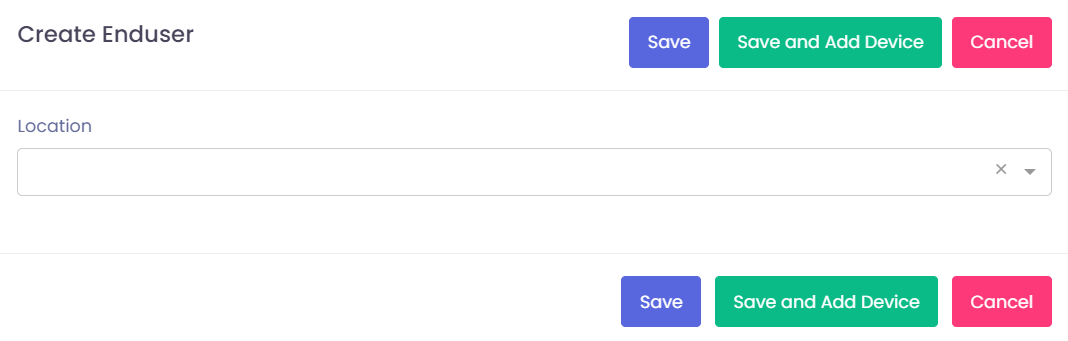
After selecting the location you need to fill our all informations. At minimum you need to type in Lastname, UserID and telephone Number.
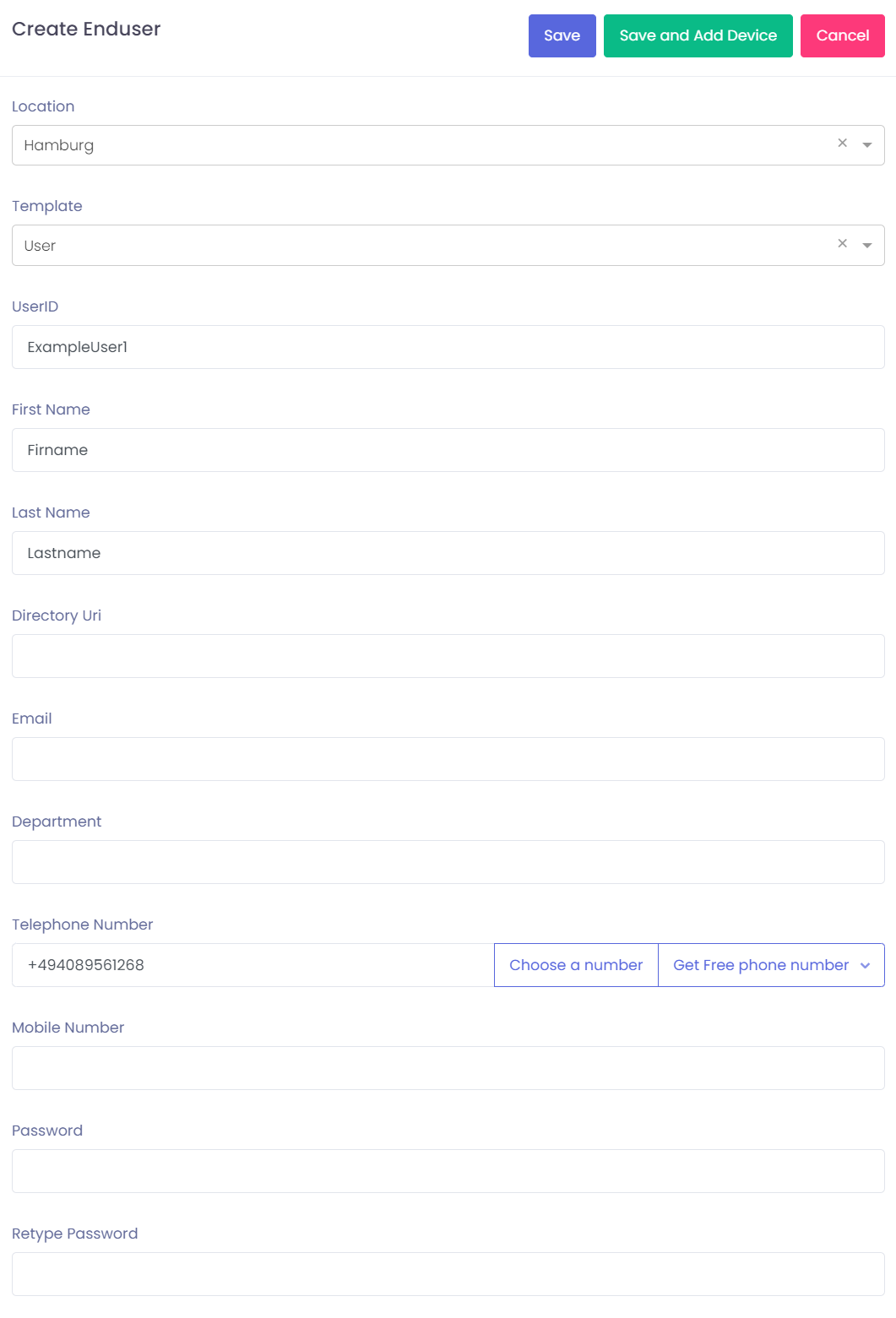
Type in all informations and click on save. After the user is added you can search for him.

