
From time to time we need to update our Webinstaller if new features are installed in easyuc. To be able to update EasyUC successfully, the updater need to be always in the latest version.
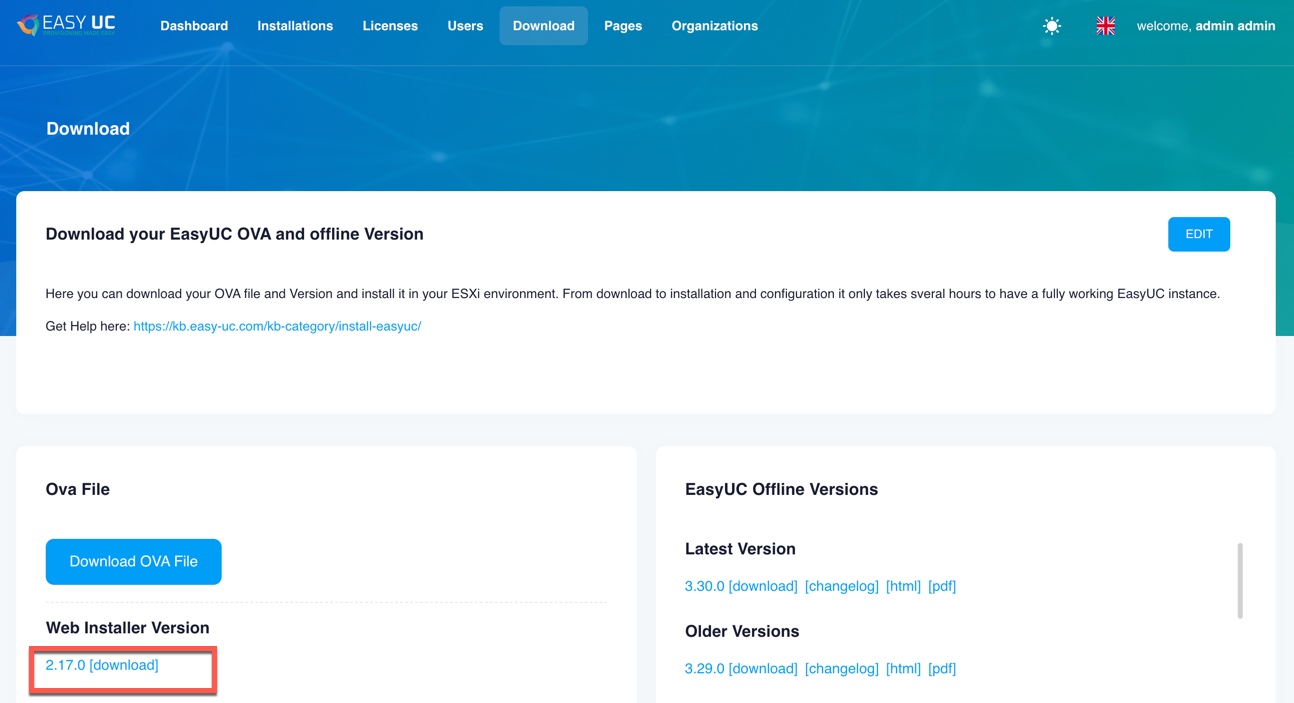
To get the latest updater, login to our portal and download latest updater. Currently, the 2.17.0 Version is the latest one.
You can access webinstaller by navigate to http://<IP Address EasyUC>:8080
Login with admin and no password as default.
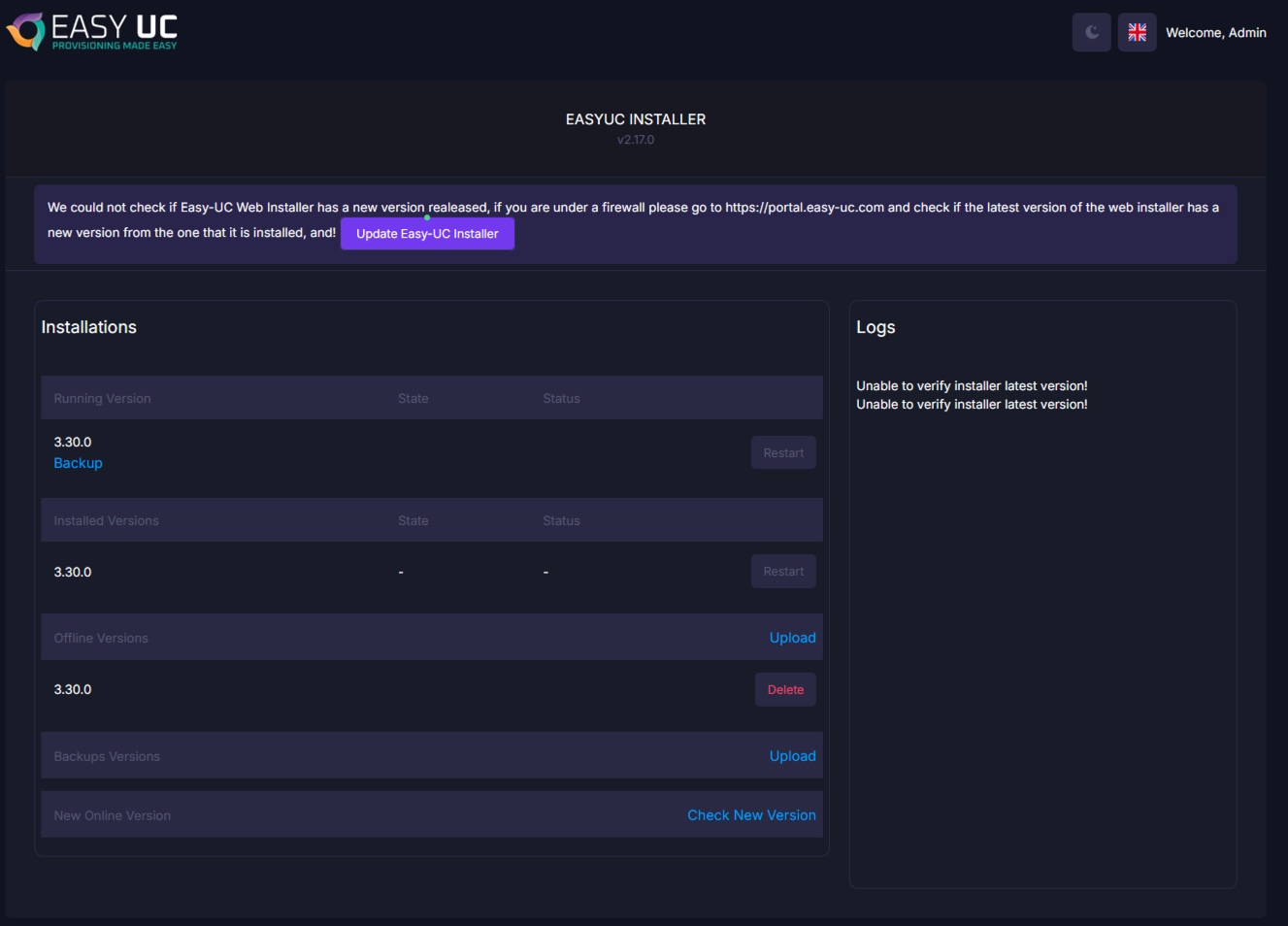
Click on Update EasyUC Installer.
If EasyUC has access to Internet, you can do an online update.

Just click on Update. Update should be ready in 3-5 Minuates. If update dont proceed, open new Tab with Webinstaller and in 99% the update is already finished and you see the new version number.
If you want to do it offline, download the Webinstaller latest Version from our Portal.
Navigate to the Webinstaller now, click on update and then choose Offline.
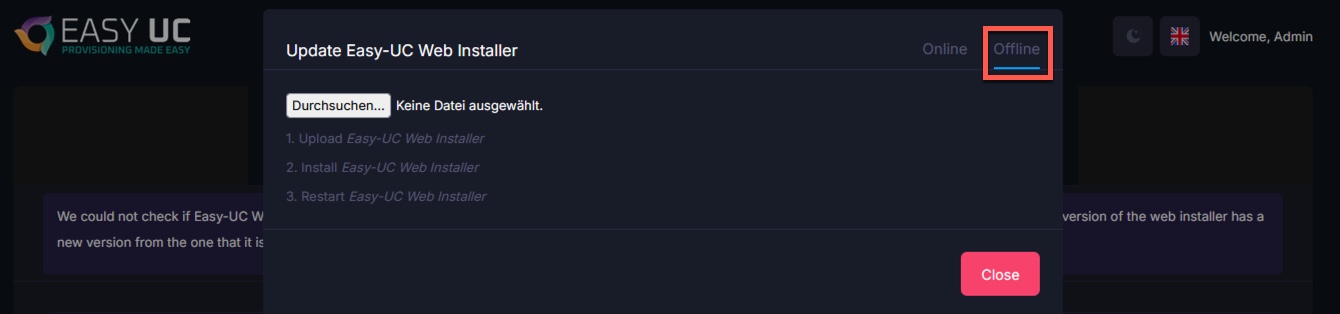
Now just select the downloaded webinstaller, the update will start then automatically.

